Numbers managed by plan
How many numbers and which features are available follow the plan; a subscriber sees only what was enabled for them.
WhatsX gives each company its own isolated space to manage its permitted numbers, follow the service and keep backups — inside limits and permissions set by the plan you agree to.
WhatsX is an operations platform that brings number management, monitoring and backups into one space belonging to your company. Your operational data is never shared with another customer's space, and the limits follow the plan chosen after we review what you need. It starts with a short request: we look at how you intend to use it, how many numbers and how large the team, then contact you to confirm the plan and prepare the space. Sending a request creates no account and activates nothing.
How many numbers and which features are available follow the plan; a subscriber sees only what was enabled for them.
A separate environment and data space per company, never shared with another customer's.
Protected sign-in with scoped permissions and two-step verification, and every action attributed to whoever took it.
Regular backups that can be restored, and a record showing what happened and when.
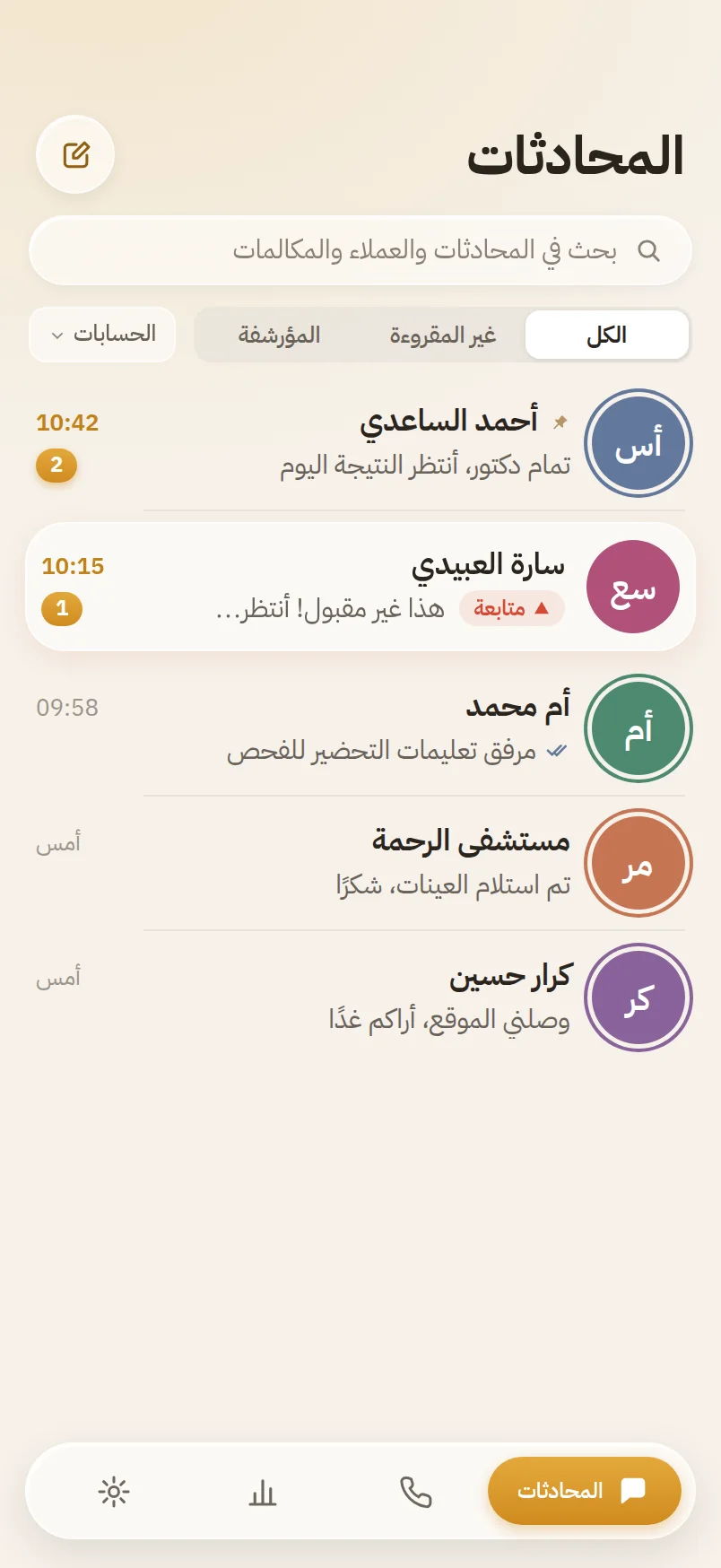
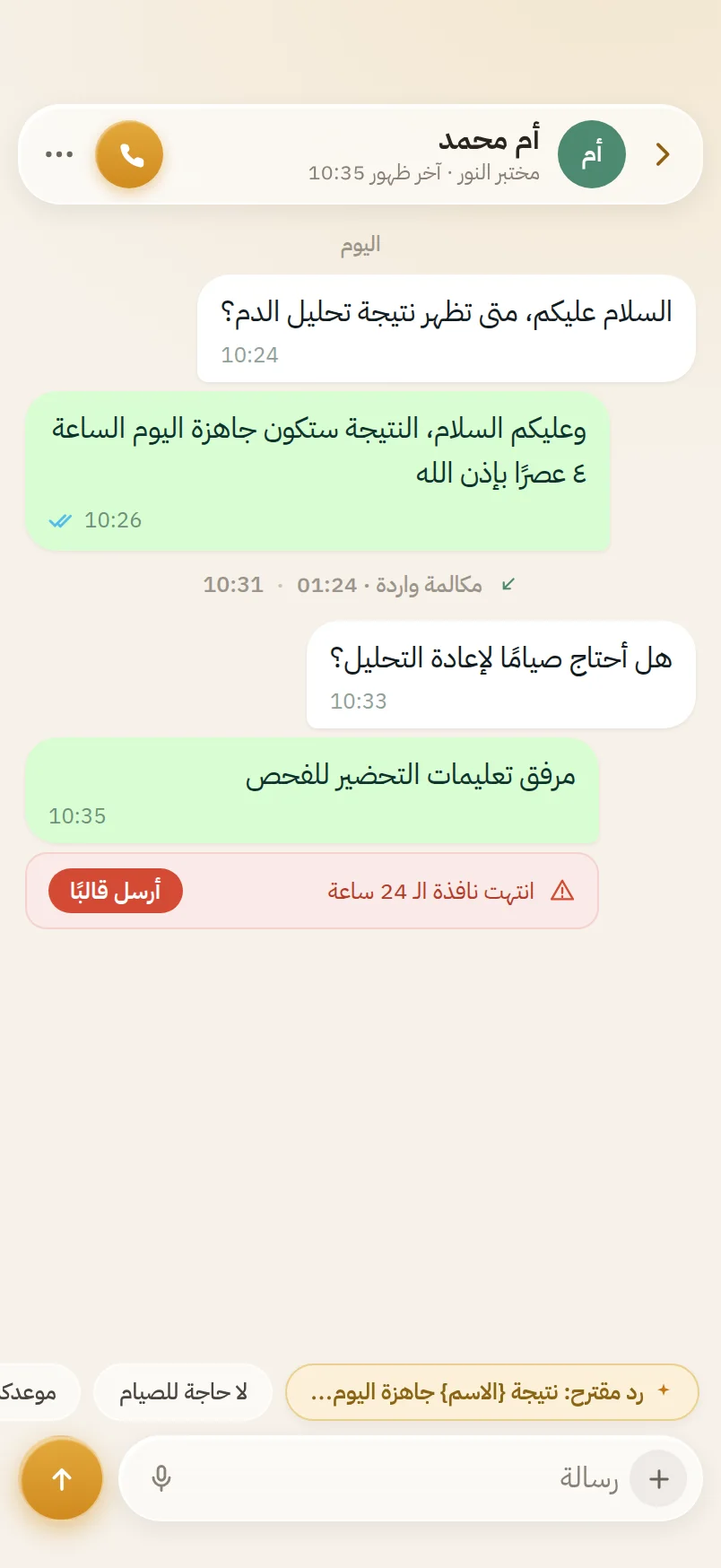
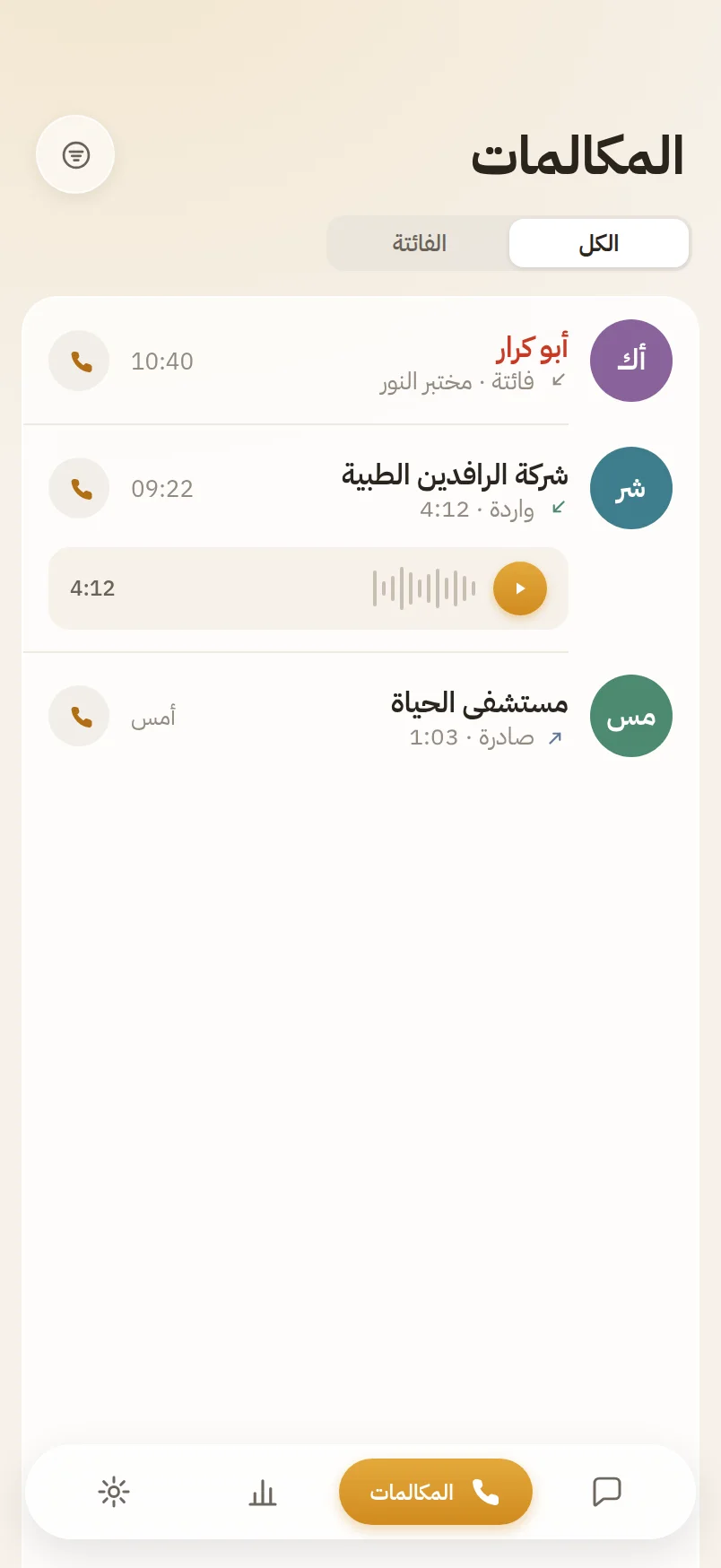
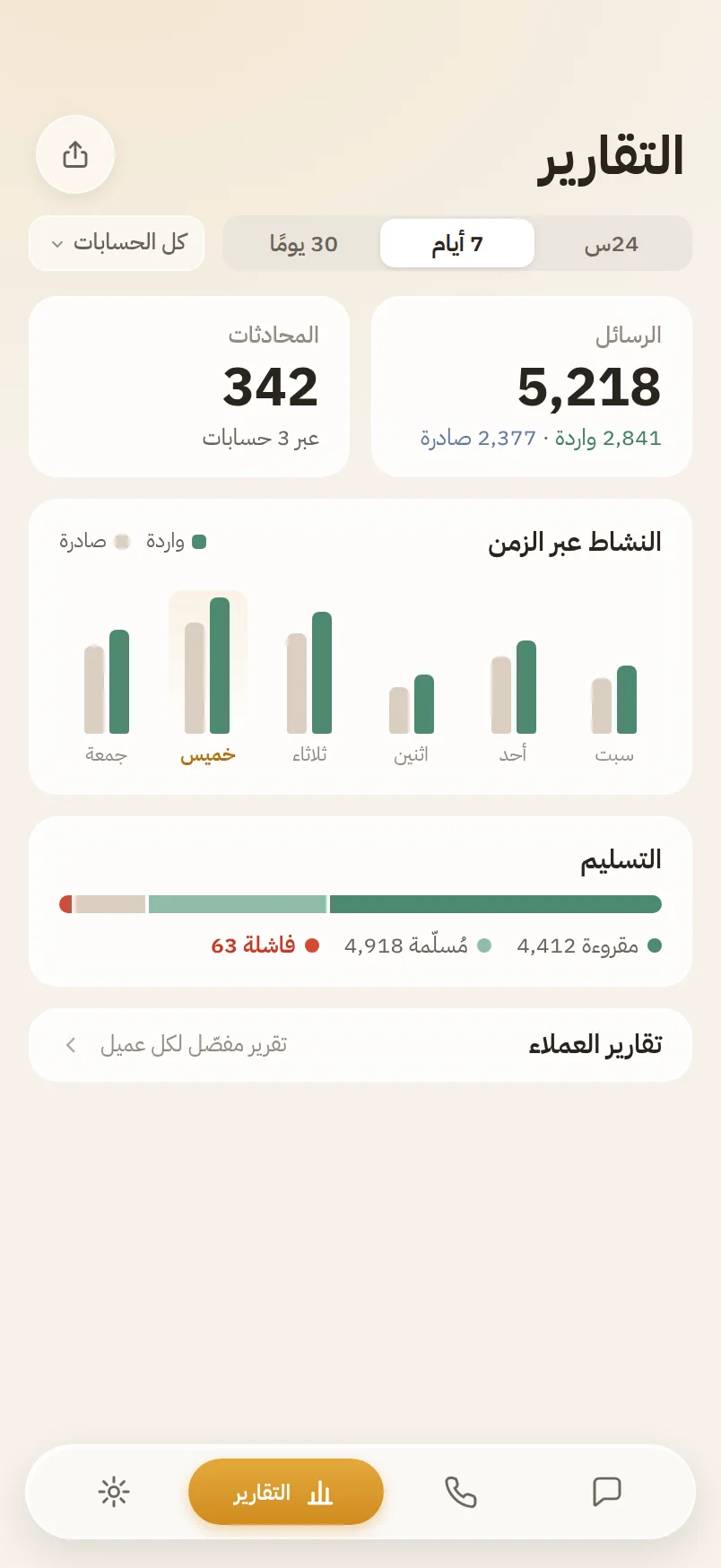
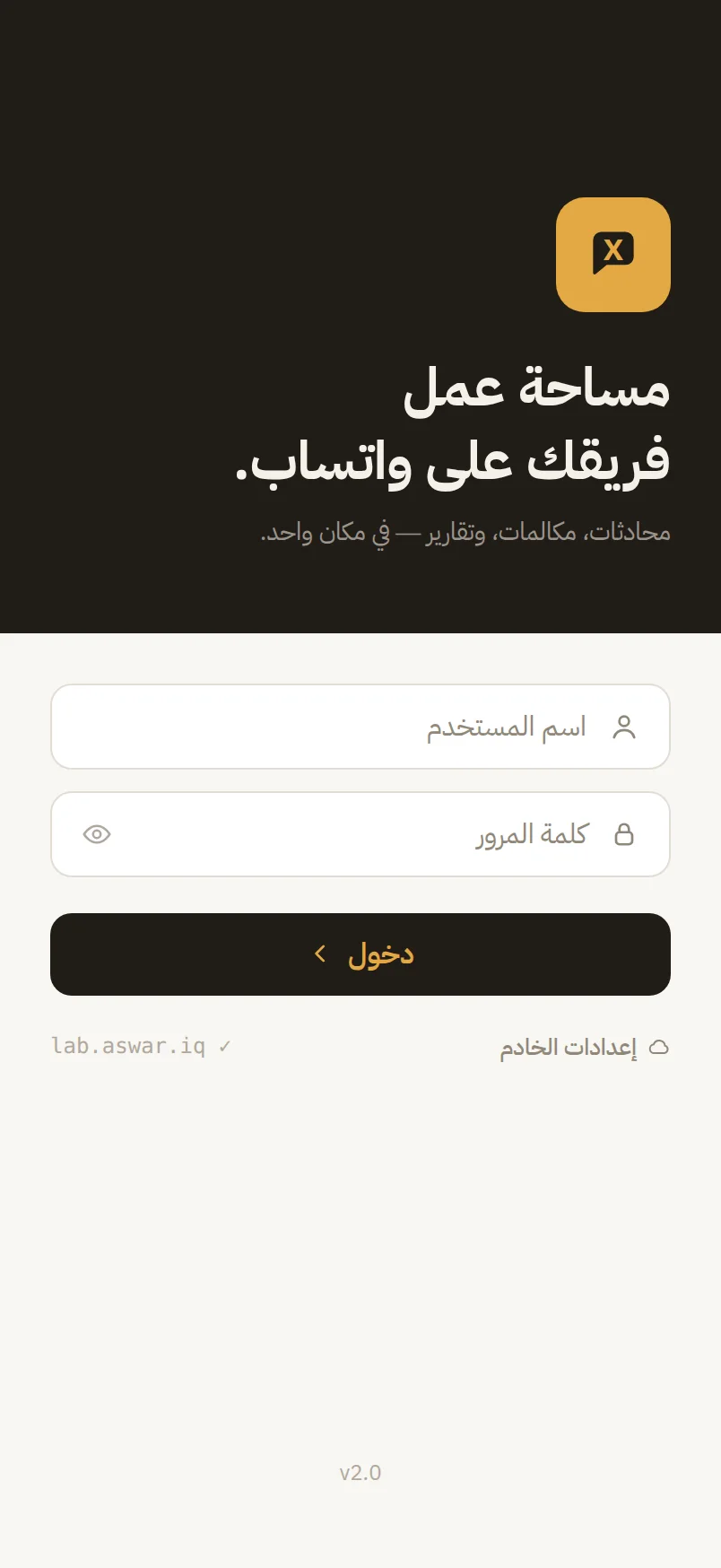
An Arabic-first iOS app that brings every number's conversations into one inbox: an employee opens a chat to find a suggested reply waiting above the composer, WhatsApp calls ring like native phone calls, and a manager follows the reports from their pocket — all inside each user's permissions and your space's limits.
You send a request describing what your company needs, how many numbers and how large the team.
A person reviews it, then contacts you to clarify what is needed and confirm the plan.
We prepare an isolated operating space for your company within the agreed limits.
We hand over access, and you begin managing your numbers from one place.
No permission is requested “just in case”. Each one is tied to an operation you chose, and can be withdrawn at any time without affecting the rest of the service.
Fill in the form and we will contact you to confirm the details. Sending it creates no account and activates nothing — the review is always done by a person.